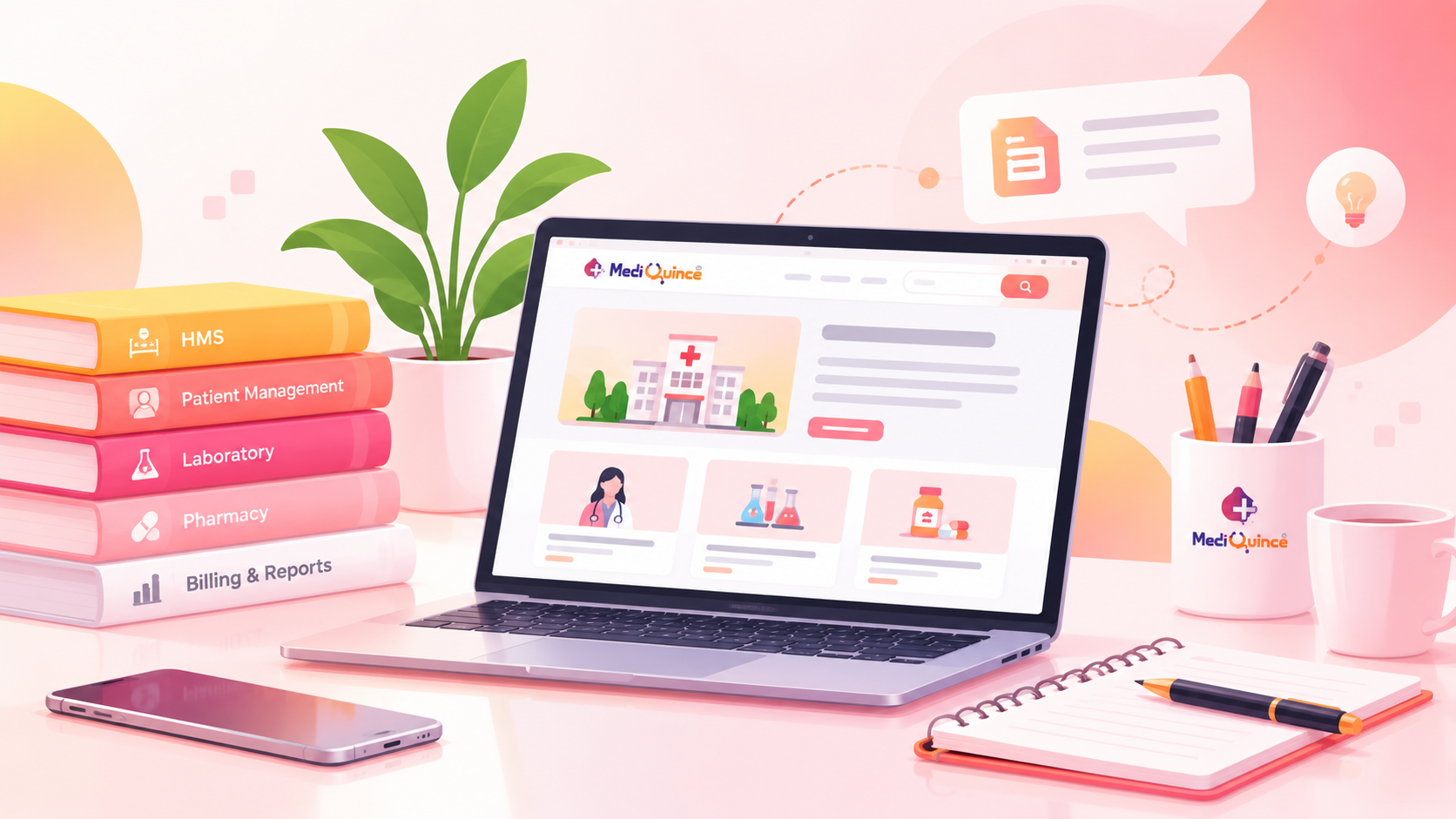
Managing patient health records is an essential responsibility for every hospital. From patient registration and medical history to prescriptions, laboratory reports, and follow-up visits, healthcare teams handle a large amount of information every day.
When these records are maintained primarily on paper or across separate systems, staff may spend valuable time searching for files, entering the same information repeatedly, and updating documents manually. Disorganized records can also make it harder for authorized healthcare professionals to access the information they need during a patient visit.
Automating patient health records helps hospitals move from manual documentation to structured digital record management. With the right hospital management software, hospitals can organize patient information, simplify routine workflows, and support better coordination between departments.
In this guide, we explain how hospitals can automate patient health records, which features to evaluate, and how to introduce digital records effectively.
What Is Patient Health Record Automation?
Patient health record automation is the use of digital systems to create, organize, update, retrieve, and manage patient information with less dependence on manual paperwork.
An electronic medical record (EMR) typically captures clinical information maintained by a particular healthcare provider or organization. An electronic health record (EHR) can provide a broader view of a patient's health information across different care settings, depending on the systems and integrations available.
A digital patient record may include:
- Patient demographics and registration details
- Medical history and previous visits
- Diagnoses and clinical notes
- Prescriptions and medication details
- Laboratory results and diagnostic reports
- Vital signs and treatment information
- Admission, discharge, and follow-up details
The exact information available depends on the software, hospital configuration, and connected systems.
Why Should Hospitals Automate Patient Health Records?
1. Reduce Manual Paperwork
Paper-based documentation often requires staff to write, file, retrieve, and update records manually. Digital workflows can reduce repetitive administrative tasks by storing patient information electronically and making it easier to retrieve.
For example, reception staff can register a patient in the hospital system, while authorized clinical staff can document the consultation in the relevant digital record instead of relying entirely on separate paper files.
2. Access Patient Information More Efficiently
During a consultation, doctors may need to review previous diagnoses, prescriptions, laboratory results, or clinical notes. A well-organized digital record system can help authorized staff locate relevant information without searching through multiple physical files.
This can support continuity of care, particularly when patients return for follow-up visits.
3. Improve Coordination Between Departments
Patient information often passes between reception, consultation rooms, laboratories, pharmacies, billing desks, and inpatient departments.
When the relevant modules are integrated, information can move through connected workflows more efficiently. However, hospitals should verify which records and updates are actually shared between modules before selecting a system.
4. Support More Consistent Documentation
Digital forms and structured fields can help staff capture required information in a consistent format. Depending on the software, validation rules may also identify missing fields or incorrectly formatted entries.
Automation does not eliminate every documentation error. Staff still need to verify patient identity, clinical details, and the accuracy of information entered into the system.
5. Make Follow-Up Management Easier
Digital records help healthcare teams review previous visits and identify the next steps documented in a patient's care plan. When supported by the software, appointment reminders and follow-up notifications can also help patients remember scheduled visits.
These tools support administrative follow-up; clinical decisions must remain with qualified healthcare professionals.
7 Steps to Automate Patient Health Records
Step 1: Review Your Existing Record Management Process
Before purchasing software, understand how your hospital currently manages patient information.
Review questions such as:
- How are new patients registered?
- Where are consultation notes stored?
- How are prescriptions and laboratory reports maintained?
- How do staff retrieve records from previous visits?
- Which departments enter the same information more than once?
- Who is authorized to access or update each type of record?
Mapping the current process helps identify the tasks that would benefit most from automation.
Step 2: Choose a Suitable Hospital Management System
Select a hospital management system (HMS) that supports your hospital's actual workflows rather than choosing software based only on the number of features advertised.
Evaluate whether it offers:
- Digital patient registration and record creation
- Electronic clinical notes and medical history
- Prescription and report management
- OPD and IPD workflow support, where required
- Role-based access permissions
- Searchable records and useful reporting
- Secure backups and recovery procedures
- Integration options for existing hospital systems
Ask the vendor to demonstrate these functions using realistic hospital scenarios.
Step 3: Create a Consistent Patient Identification Process
Accurate patient identification is one of the most important parts of digital record management.
Hospitals should establish a consistent process for creating patient profiles, checking identifying information, and retrieving existing records before creating new ones. This helps reduce the risk of duplicate profiles or information being attached to the wrong patient.
If duplicate records already exist, develop a controlled process to review and reconcile them. Avoid automatically merging records without appropriate verification.
Step 4: Digitize Existing Records Carefully
Moving to a digital system may involve entering selected historical information or scanning existing paper documents.
A practical approach is to prioritize records based on clinical relevance, operational needs, and available resources. For example, a hospital may begin with active patients and recent clinical information before addressing older archived files.
During migration:
- Verify patient identifiers before importing information.
- Check that scanned documents are attached to the correct record.
- Review important clinical details for accuracy.
- Identify incomplete, duplicated, or illegible information.
- Establish a process for authorized staff to correct errors.
Scanning a paper document makes it digitally accessible, but it does not automatically convert every detail into structured, searchable clinical data.
Step 5: Connect Relevant Hospital Workflows
Record automation becomes more useful when it fits into the daily work of hospital departments.
For example, a connected workflow might operate as follows:
- Reception registers the patient and confirms their identity.
- The doctor reviews available medical history and records the consultation.
- Laboratory staff manage investigations and record or upload results through the supported workflow.
- Authorized staff review the relevant reports.
- The next visit or follow-up is scheduled when required.
The actual workflow depends on the hospital's configuration and the capabilities of its software. Confirm which steps are automated, which require manual action, and which integrations are available.
Step 6: Protect Patient Information
Digital records must be managed with appropriate privacy and security safeguards.
Hospitals should evaluate:
- Role-based access controls
- Strong authentication for staff accounts
- Secure transmission and storage of information
- Audit logs for relevant access and changes
- Regular backups and tested recovery procedures
- Staff training on confidentiality and safe data handling
- Procedures for handling suspected data breaches
For hospitals in India, the Ayushman Bharat Digital Mission (ABDM) provides a framework for digital health information exchange, including consent-related processes. Hospitals should verify the applicable requirements and whether a software product supports the integrations they need. Official ABDM information
Digitalization alone does not guarantee compliance or security. Hospitals should assess their legal obligations, technical controls, and operating procedures before implementation.
Step 7: Train Staff and Monitor Adoption
Even a well-designed system can underperform if staff do not understand how to use it correctly.
Provide role-specific training for receptionists, doctors, nurses, laboratory teams, billing staff, and administrators. Use practical exercises based on each department's daily tasks.
After implementation, monitor measures such as:
- Time required to retrieve a patient record
- Number of duplicate patient profiles identified
- Missing or incomplete documentation
- Frequency of record-related workflow errors
- Staff adoption and support requests
- Backup and recovery test results
Establish a baseline before implementation and review the results over time. This helps the hospital understand whether automation is improving its actual workflows.
Common Challenges in Automating Patient Health Records
Incomplete or Inconsistent Historical Data
Older records may contain missing fields, different naming conventions, or handwritten notes that are difficult to interpret.
How to address it: Establish data-cleaning and verification procedures before migration. Preserve original documents when necessary and avoid guessing missing clinical details.
Staff Resistance to New Workflows
Staff may be comfortable with paper files or find a new system difficult to use at first.
How to address it: Involve representatives from each department during system selection, provide hands-on training, and collect feedback after rollout.
Duplicate Patient Records
Duplicate profiles can occur when staff create new records without checking whether a patient already exists.
How to address it: Use a consistent patient identification process, teach staff how to search for existing records, and establish a controlled duplicate-resolution procedure.
Privacy and Security Concerns
Digital systems introduce risks such as unauthorized access, compromised accounts, and inadequate backup procedures.
How to address it: Apply appropriate access controls, monitor relevant activity, train staff, and periodically review security and recovery arrangements.
Integration Difficulties
A hospital may use different systems for laboratory testing, radiology, pharmacy, billing, or other services.
How to address it: Identify required integrations before implementation and ask vendors to demonstrate how information is exchanged, validated, and corrected when errors occur.
How Mediquince Can Support Digital Patient Record Management
Mediquince offers hospital management software with digital health records and connected hospital workflow capabilities. Its published hospital solution information also describes doctor access to patient notes and appointments, along with related digital services. The exact features available should be confirmed against the hospital's required configuration.
Relevant capabilities include:
- Digital health records: Support the move away from paper-dependent record management.
- Doctor app access: Help doctors access appointments and update patient notes through the available app workflows.
- ICU monitor integration: Mediquince describes automatic vital-sign recording and real-time reports through supported ICU monitor integration.
- Patient communication: Supported WhatsApp communication features include appointment reminders and sharing laboratory or prescription information.
- Connected hospital workflows: Hospital management capabilities can help teams manage related administrative and patient-care activities.
Explore the Mediquince Hospital Management Software solution to review the available features.
Before implementation, ask for a demonstration of the exact patient record workflows, access permissions, integration requirements, data migration process, and backup arrangements relevant to your hospital.
Best Practices for Successful Patient Record Automation
To make digital record management sustainable, hospitals should:
- Start with high-priority workflows. Automate registration and frequently used record processes before expanding to less urgent areas.
- Define responsibilities. Establish who can create, update, review, and correct different record types.
- Verify information at the point of entry. Encourage staff to check patient identity and record accuracy.
- Maintain appropriate access controls. Give users access based on their roles and responsibilities.
- Test recovery procedures. Confirm that records can be restored using the hospital's backup arrangements.
- Review performance regularly. Use operational measures and staff feedback to identify improvements.
- Plan for downtime. Maintain documented procedures for accessing essential information and recording care during system outages.
Successful automation combines suitable technology with clear processes, responsible data handling, and ongoing staff support.
Conclusion
Automating patient health records is more than replacing paper files with digital documents. It involves organizing patient information, improving record retrieval, connecting relevant workflows, protecting sensitive data, and helping staff maintain accurate documentation.
Hospitals should begin by reviewing their current processes, choosing software that fits their needs, planning data migration carefully, and training staff before expanding automation across departments.
With the right implementation strategy, digital patient record management can support more organized hospital operations and help authorized healthcare professionals access relevant information when they need it.
Looking to modernize your hospital's patient record management? Explore Mediquince Hospital Management Software and request a demo to evaluate how its available features fit your workflows.