Hospitals manage multiple activities every day, including patient registration, appointment scheduling, consultations, diagnostic services, billing, pharmacy operations, and discharge coordination. When these activities rely heavily on disconnected systems or manual paperwork, staff may spend additional time searching for information, updating records, and coordinating between departments.
A Hospital Management System (HMS) helps organise selected hospital workflows through digital tools. Depending on the platform, it may support patient information management, appointments, billing, reporting, communication, and other administrative processes.
The benefits of HMS software extend beyond replacing paper records. A well-selected and properly implemented system can help hospitals improve information accessibility, standardise workflows, support operational decision-making, and coordinate administrative tasks more consistently.
However, software alone does not guarantee better outcomes. The results depend on the hospital's processes, system configuration, staff training, data quality, and ongoing support.
This guide explores the main benefits of HMS software and explains what hospitals should consider before adopting a digital management solution.
What Is HMS Software?
Hospital Management System (HMS) software is a digital platform designed to help healthcare organisations manage hospital administration and related operational workflows.
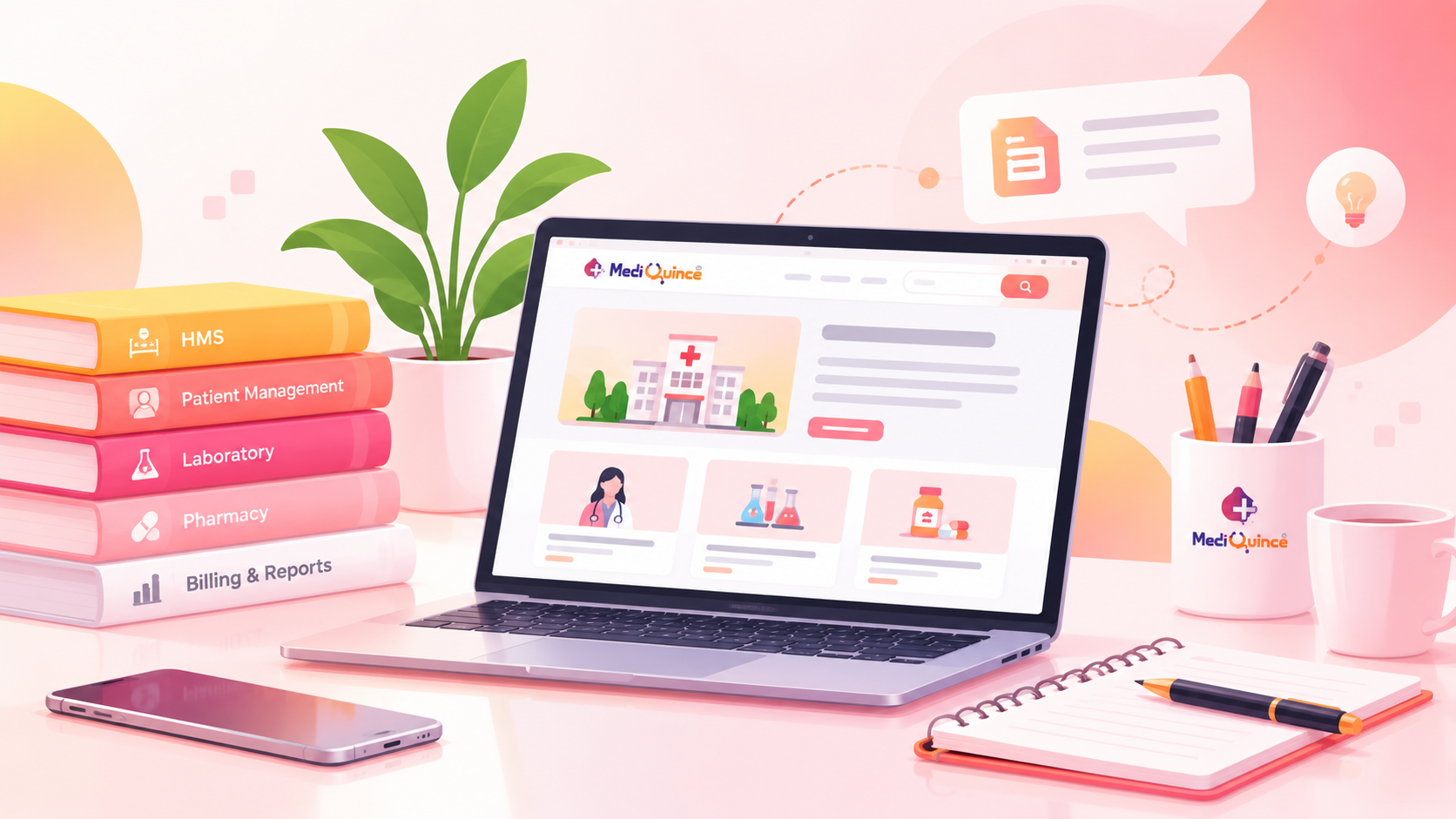
Depending on the product, its modules may include:
- Patient registration and demographic records.
- Appointment scheduling and queue management.
- Electronic patient records.
- Billing and payment workflows.
- Laboratory and diagnostic coordination.
- Pharmacy and inventory management.
- Admission, transfer, and discharge administration.
- Reports and operational dashboards.
- Patient communication and notifications.
Not every HMS includes all these capabilities. Hospitals should review the actual features, integration options, and configuration requirements of each product before making a decision.
10 Major Benefits of HMS Software for Hospitals
1. More Organised Patient Information
Hospitals generate information throughout the patient journey, from registration and appointments to consultations, tests, and billing.
When information is scattered across paper files, spreadsheets, or separate applications, retrieving the correct record can take additional effort.
An HMS with appropriate patient information features can help authorised staff access relevant records through a more structured digital workflow.
Key benefits may include:
- Easier retrieval of available patient information.
- More consistent record-keeping processes.
- Reduced dependence on paper-based documentation.
- Improved continuity of administrative information across supported workflows.
Hospitals must still maintain accurate records, control access, and follow applicable privacy and retention requirements.
2. Streamlined Appointment Scheduling
Appointment management is an important part of outpatient operations. Manual scheduling can create challenges when appointments need to be changed, cancelled, or coordinated across multiple doctors and departments.
HMS appointment features can help staff organise schedules, record bookings, and manage changes in a centralised workflow.
Depending on the system, appointment tools may also support reminders and online booking integrations.
The practical value depends on how well the scheduling process reflects doctor availability, consultation durations, and the hospital's actual operating procedures.
3. More Efficient Billing and Financial Administration
Hospital billing can involve consultation fees, diagnostic services, procedures, pharmacy charges, and other items.
A suitable HMS may help consolidate supported billing activities, maintain transaction records, and reduce repeated manual entry.
Possible advantages include:
- More organised invoice generation.
- Better visibility into recorded charges and payments.
- Easier review of billing transactions.
- More structured financial reporting.
- Clearer coordination between relevant administrative departments.
Billing accuracy still depends on correct data entry, appropriate permissions, configured pricing rules, and established financial controls.
4. Better Coordination Between Departments
Hospitals depend on communication between reception, doctors, nursing teams, laboratories, pharmacies, billing staff, and administrators.
When each department uses separate processes, staff may need to make repeated calls or manually transfer information.
An HMS can help connect supported workflows and make relevant information available to authorised users.
For example, digital coordination between registration and appointments may help staff understand which administrative steps have been completed and which remain pending.
The extent of coordination depends on the modules implemented and the integrations available.
5. Improved Visibility Into Hospital Operations
Hospital administrators need reliable information to understand workload, identify delays, and review operational performance.
Depending on its reporting capabilities, an HMS may provide information about appointments, billing, patient volumes, or other recorded activities.
These reports can help management identify patterns and ask better operational questions.
For instance, a hospital may review appointment demand across different days to assess whether its scheduling arrangements need adjustment.
Reports should be interpreted carefully: recorded activity does not automatically explain why a problem occurred. Administrators should combine data with staff feedback and operational context.
6. Reduced Dependence on Manual Processes
Paper forms, repeated data entry, and disconnected spreadsheets can create unnecessary administrative work.
An HMS may help digitise selected tasks, standardise information capture, and reduce repeated entry when workflows are properly integrated.
Potential benefits include:
- Less paper handling for supported processes.
- More consistent data entry.
- Easier retrieval of recorded information.
- Clearer documentation of selected transactions.
- Better coordination of routine administrative tasks.
Automation should be introduced carefully, with suitable checks for errors, exceptions, and tasks that require human review.
7. Better Patient Communication
Patients may need information about appointments, registration, follow-ups, reports, and other administrative activities.
Some HMS platforms support reminders, notifications, or communication integrations that help hospitals deliver relevant updates.
These tools can help staff communicate more consistently when contact details and message workflows are maintained properly.
Hospitals should ensure that messages are appropriate, authorised, and designed to protect confidential patient information.
8. Support for Inventory and Resource Management
Depending on the available modules, HMS software may support inventory records, pharmacy stock information, consumable tracking, or purchasing workflows.
Digital inventory records can help staff review available quantities, record stock movements, and identify items that may need attention.
More reliable information can support purchasing decisions and reduce avoidable administrative confusion.
However, inventory benefits depend on accurate stock updates, appropriate access controls, and regular reconciliation. A hospital should confirm whether inventory and pharmacy modules are included in the selected product.
9. Improved Accountability and Documentation
Hospitals need clear records of administrative activities, approvals, transactions, and changes to important information.
Depending on the system, user permissions and audit logs may help authorised managers review selected actions and identify where follow-up is needed.
This can support more consistent internal processes and clearer responsibility across teams.
Hospitals should verify which audit capabilities are available and establish suitable procedures for reviewing and retaining records.
10. A Foundation for Future Digital Growth
As hospitals expand, their administrative requirements may become more complex. New departments, additional staff, higher patient volumes, and multiple locations can create new coordination challenges.
A scalable HMS may help an organisation extend selected digital workflows as its requirements change.
Before choosing a platform, assess its ability to accommodate additional users, modules, integrations, reporting needs, and data volumes.
Scalability should be evaluated against the provider's technical specifications and pricing rather than assumed from the product description.
How to Choose HMS Software That Delivers Real Benefits
The right platform should address the hospital's actual operational challenges rather than simply offer the longest feature list.
Identify Your Main Challenges
Start by identifying where your hospital experiences recurring difficulties.
Examples may include appointment coordination, billing administration, record retrieval, departmental communication, or operational reporting.
Prioritise the problems that matter most to your organisation.
Evaluate Relevant Features
Ask providers to demonstrate the specific workflows your hospital needs.
Check whether required features are included in the quoted package, require additional modules, or depend on third-party integrations.
Review Data Security and Access Controls
Ask about user permissions, authentication, backups, audit logging, data export, incident handling, and the provider's responsibilities for protecting information.
Verify that the proposed arrangement meets your hospital's legal, contractual, and operational requirements.
Assess Implementation and Training
A successful rollout requires more than installing software.
Understand the data migration process, staff training plan, testing arrangements, support availability, and procedures for handling problems during implementation.
Compare Total Cost of Ownership
Review subscription or licence charges, implementation, training, hardware, integration, maintenance, support, and potential upgrade costs.
A lower initial price may not represent the best long-term value if essential capabilities or support services cost extra.
How Mediquince Fits Into Hospital Digital Management
Hospitals evaluating HMS solutions should compare each platform against their workflows and requirements.
Mediquince offers a Hospital Management Software solution that prospective customers can review when assessing digital hospital operations.
Before choosing any system, confirm the currently available modules, supported integrations, implementation process, pricing, and service commitments directly with the provider.
The best solution is one that fits the hospital's operational needs, supports appropriate data protection, and can be adopted effectively by its staff.
Conclusion
HMS software can help hospitals organise patient information, coordinate administrative activities, manage billing workflows, and gain better visibility into selected operational processes.
Its value depends on choosing appropriate features, implementing them carefully, protecting patient information, and training staff to use the system consistently.
Rather than adopting technology solely to replace paper, hospitals should focus on solving specific operational problems and measuring whether the new workflows deliver meaningful improvements.
Planning to digitise your hospital operations? Explore Mediquince Hospital Management Software and assess its available features against your hospital's requirements.